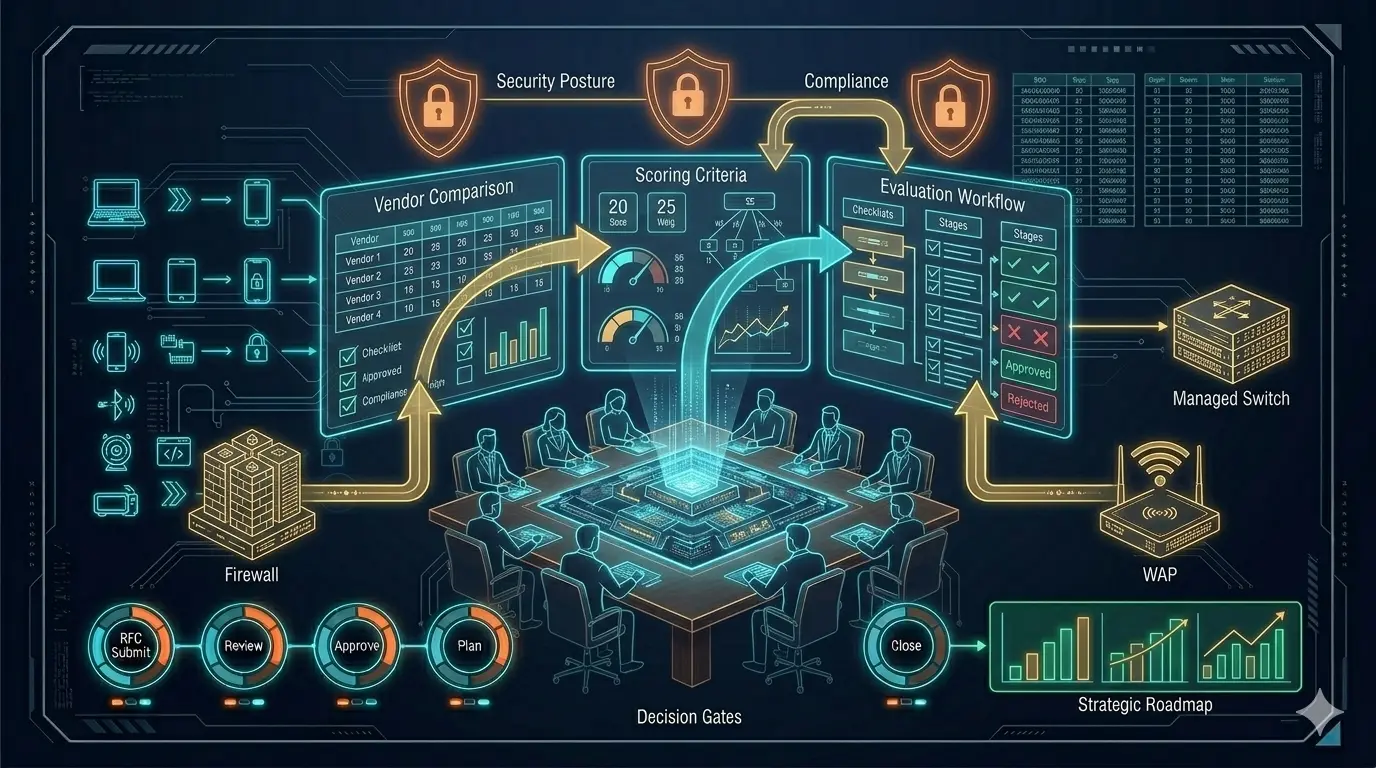
Network Infrastructure Product Selection: Strategic Criteria and Field Experiences
How to evaluate Switch, Firewall, and AP beyond the datasheet
Most enterprise network projects start at the same point: product selection. And most of the time, they fail at the same point: products not working together. Because what we call a “core network” is not just three boxes (switch, firewall, access point) sitting side by side; it is about these three boxes carrying an identity together, generating segments together, enforcing policies together, and most importantly, sustaining operations together.
What I have seen over the years is this: a company’s network doesn’t struggle because it’s “bad,” but because the decision mechanism of the network is fragmented. You have the most expensive devices, the best licenses, the highest throughput — but when an incident occurs, no one knows which device decides with which context, where the traffic diverges, or where it is controlled. The result: you have a “network,” but you don’t have “network behavior.”

In this article, I will share a field-tested framework for evaluating core network products across three pillars: Firewall, Switching, and Access (Wi-Fi). But before we begin, two factors are as decisive as “technical specifications” — and most teams realize them too late: reports/validation and support/lifecycle.
For the architectural philosophy behind this selection process, see: IT Infrastructure Is Not a Collection of Products
Step 1: Filtering Reports, Tests, and Marketing Noise
One of the first references in product selection is, yes, Gartner reports. Reports like Gartner give you an idea of a product’s market position: who is the leader, who is the visionary, who is playing in a niche. This is especially useful for convincing decision-makers; it provides a structured answer to “why this brand?” at the budget table.
But there is a critical trap: Gartner doesn’t tell you which product is right for your specific scenario. Gartner is a market map; your job is to draw the architectural map. Use Gartner as an initial filter — it narrows options but doesn’t make the final decision.

Beyond Gartner, performance and security tests from manufacturers or independent labs, comparative reports, and real-world benchmarks must be considered. The throughput on a datasheet is not the same as throughput in production when IPS is on, SSL decryption is active, and app-control is running. Reports serve as a second filter: you look for a non-marketing answer to “What does this box do under this specific load?”
Step 2: Support and Lifecycle — The Invisible Pillars
A product’s technical capabilities are only half the story. Its support model and lifecycle are equally critical. Network design doesn’t end on installation day. The real question is: what happens 3 years later?
- What are the EoL / EoS dates?
- How fast are patches, bugfixes, and security updates?
- Is TAC/Support truly accessible, and how do escalations work?
- What is the reality of RMA processes and spare parts availability?
- Will the licensing model cause surprises after year one?
- Is the vendor’s roadmap aligned with your strategic direction?
The most common problem I see in the field: the team chooses a technically sound product, but because support/lifecycle was deprioritized, operations turn into a nightmare 12 months later. The device gets the blame — but the real problem was never the device.
Step 3: Evaluating the Firewall Layer
The firewall has long passed being just a “security device at the edge.” Positioned correctly, it is the policy brain of the architecture. Positioned incorrectly, it becomes the bottleneck where everything collapses.
UTM vs. NGFW — a necessary distinction:
The UTM approach follows the “everything in one box” philosophy: firewall + IPS + web filter + AV + gateway functions. Preferred in smaller environments for management simplicity and bundled licensing.
NGFW is positioned around application awareness, user/identity context, and deeper policy control. In modern enterprise environments, running security on port/protocol alone is no longer sufficient — this is where NGFW becomes necessary.
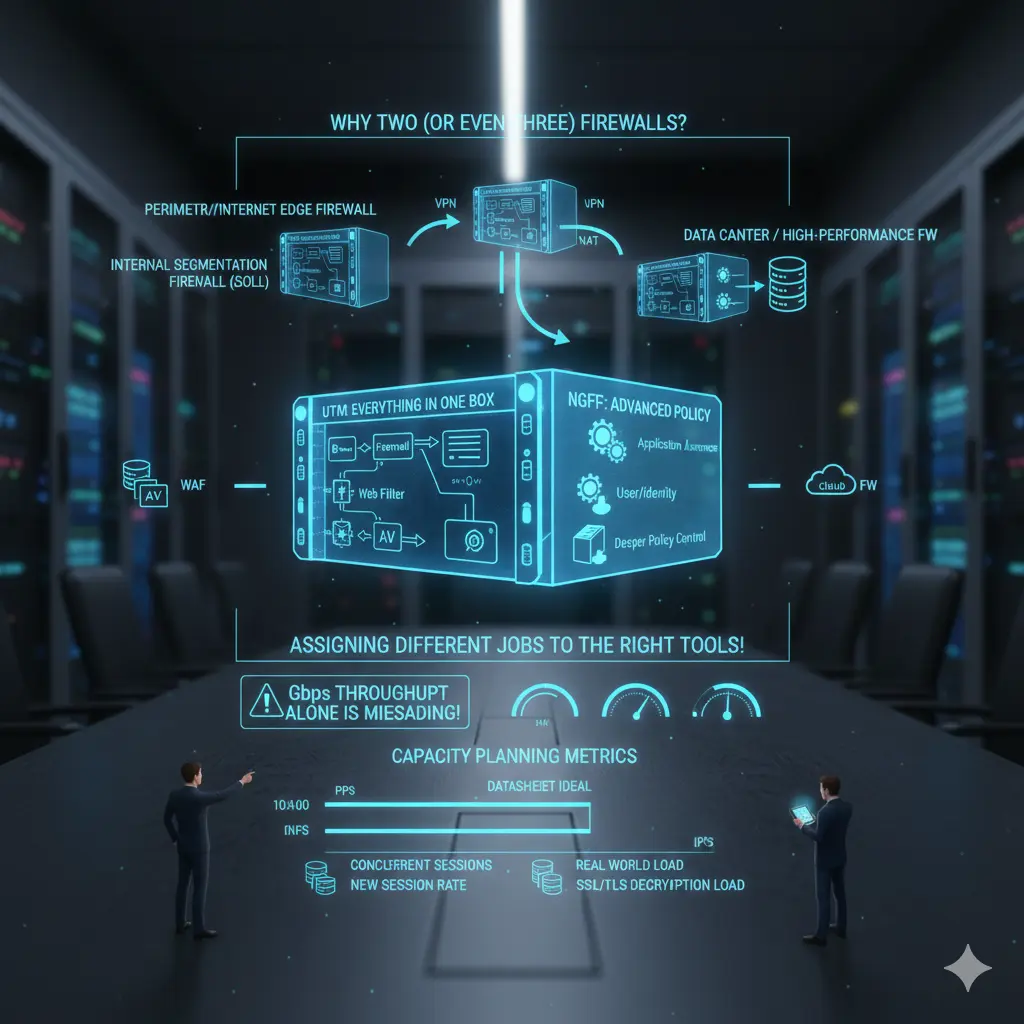
Why two or three firewalls in the same organization is normal:
- Perimeter/Internet Edge Firewall: Internet egress, VPN, NAT, inbound/outbound policy
- Internal Segmentation Firewall (ISFW): East-west control, internal segmentation, critical zone isolation
- Data Center / High-performance FW: DC traffic, high session count, high PPS, low latency
- In some architectures: WAF or Cloud FW as additional components
This doesn’t mean “buy two firewalls” — it means “assign two different jobs to the right tools.”
For a deeper look at firewall architecture within the broader network design: Switch, Firewall, AP — Why Choosing the Right Products Is Not Enough
Step 4: Firewall Capacity Planning — Throughput Can Lie
The most dangerous mistake in firewall selection is focusing solely on Gbps throughput. In practice, firewalls rarely fail because of throughput — they fail because of:
- PPS (packets per second)
- Concurrent session count
- New session rate
- NAT table and state handling
- Performance with active IPS/AV/App-ID
- SSL/TLS decryption load
- Log generation and SIEM transport
A real-world example: “We bought a 10 Gbps firewall” means nothing in isolation. That 10 Gbps is an ideal-condition measurement on most vendor datasheets. With IPS, URL filtering, app control, and decryption active, real capacity changes dramatically. The right question is always:
“With the security features I will enable and my specific traffic profile — how much load can this firewall actually handle?”
If there is no credible answer to this question, the selection is risky.
Step 5: Switch Evaluation — Role and Load Over Port Count
Switch selection often starts with port counts: copper ports, fiber ports, PoE requirements. These matter — but from a core network perspective, they aren’t sufficient. A switch is not just a socket; it is a decision point determining where traffic concentrates, diverges, and is carried upward.
The most common access layer mistake: planning for today’s needs only. The access layer is the fastest-changing layer in the network. A point with adequate 1G copper today may host high-bandwidth APs or edge devices tomorrow. Multi-Gig ports (2.5G/5G), per-port PoE sustainability, and real uplink capacity all become critical.
Uplinks are consistently underestimated. “2×10G uplinks are enough” is heard often — without analyzing the actual traffic profile. As user count grows and east-west traffic patterns shift, uplinks reach saturation faster than expected. Backplane capacity and oversubscription ratios matter as much as uplink speed.
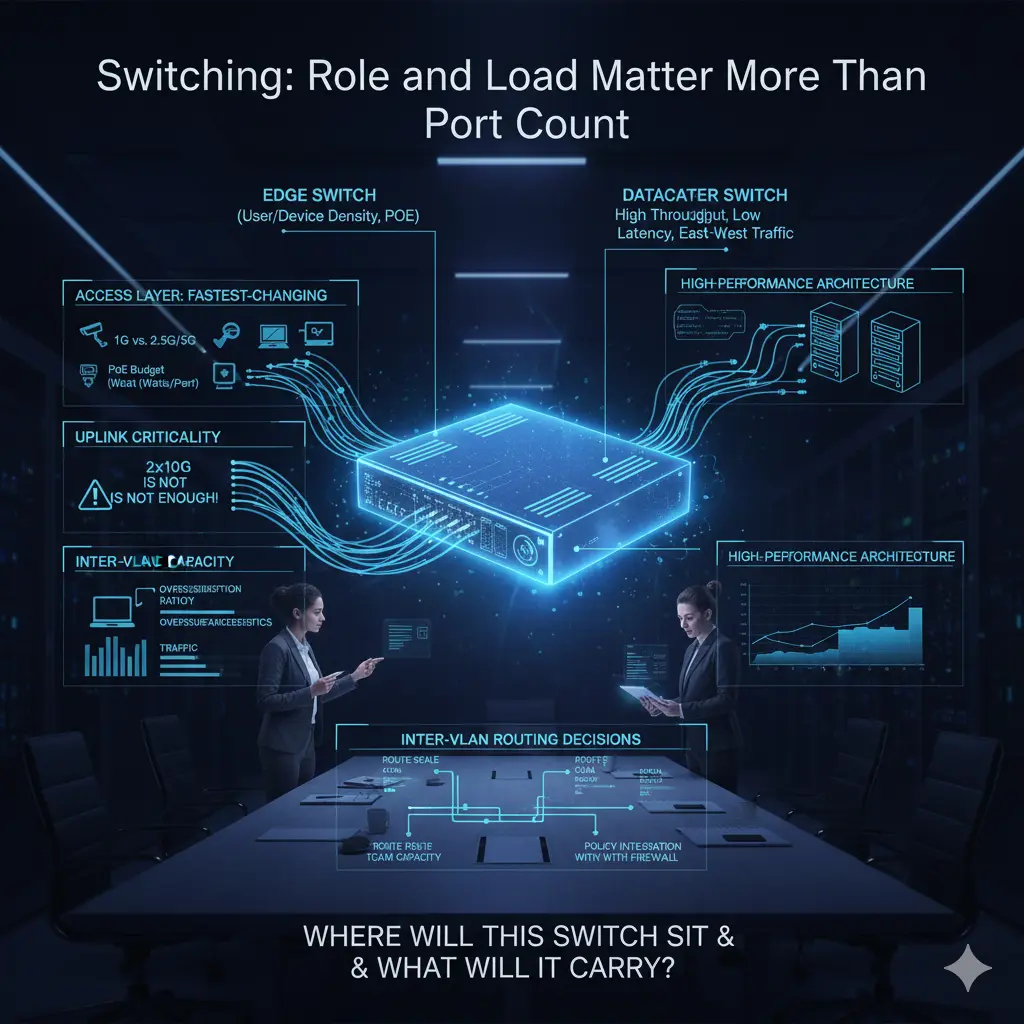
Edge switch vs. datacenter switch: these boundaries are often blurred in projects. Edge switches optimize for port density and PoE; datacenter switches optimize for throughput, low latency, high PPS, and east-west traffic. Expecting both from a single device usually inflates cost or drops performance below expectations.
When designing the core network, the question “Where will this switch stand and what traffic will it carry?” must come before “How many ports does it have?”
Step 6: Wireless — Uplink and Controller Architecture
When discussing wireless, focus usually shifts to Wi-Fi standards: Wi-Fi 6, 6E, 7. In practice, wireless performance is often limited not by the radio — but by the cable. No matter how powerful the AP, if the uplink cannot carry it, theoretical speeds are meaningless.
Many enterprise APs cannot use their full potential on a 1 Gbps uplink. 2.5G and 5G copper uplink support is not a luxury in high-density environments — it is a design requirement. And critically: if the AP supports 2.5G but the switch port does not, the entire investment is wasted. AP and switch selection must be done together.
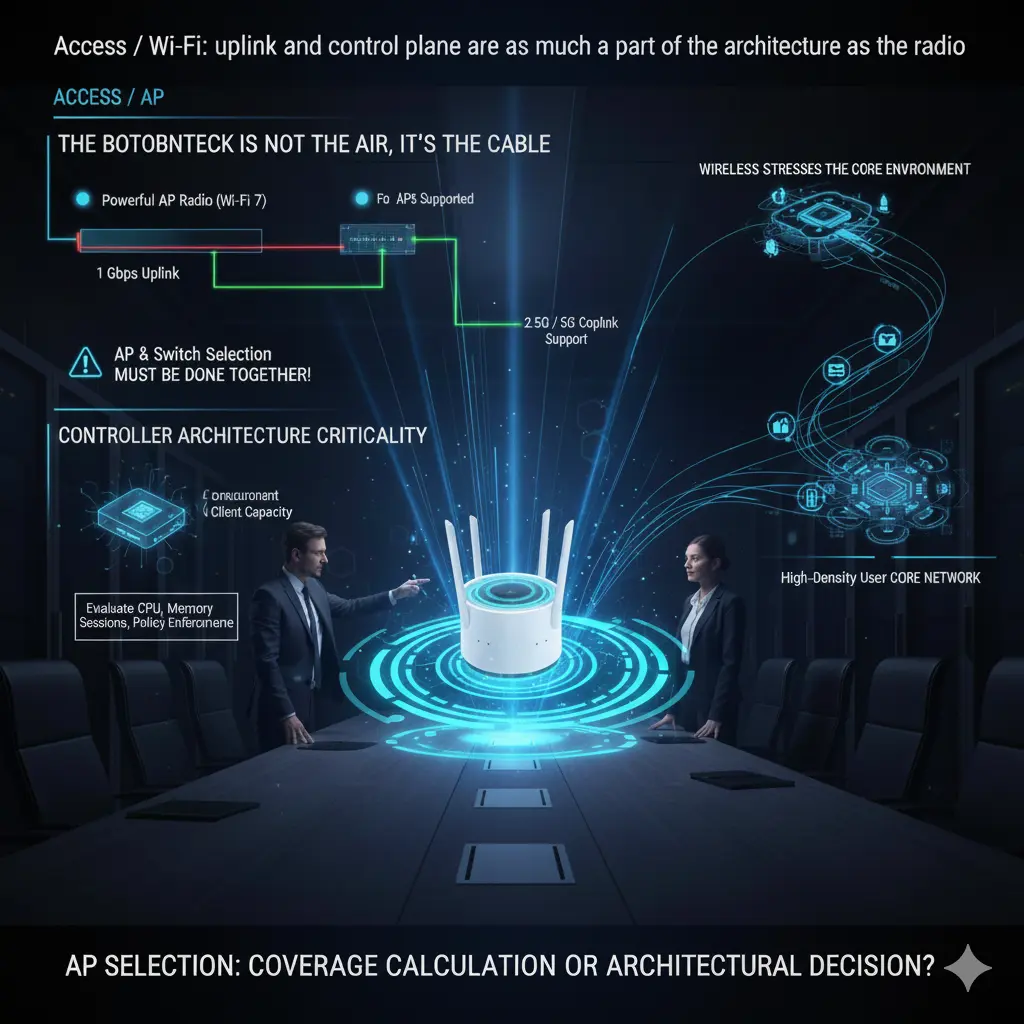
Controller architecture is equally critical. The number of supported APs, simultaneous client capacity, and roaming behavior determine real-world stability. A controller that “supports 500 APs” on paper may struggle far earlier in high-density, fast-roaming environments. Controller capacity must be evaluated across CPU, memory, session handling, and policy enforcement — not just license count.
Wireless is often treated as an edge topic, but it strains the core network faster than any other layer. Small design errors at the access layer create unexpected loads at the core. AP selection is not a coverage calculation — it is a core network architectural decision.
Step 7: Vendor Evaluation — Field Realities
The following assessments are based entirely on my personal field experience. The goal is not to praise or criticize — but to honestly identify where each vendor is strong and where they struggle.
Cisco remains one of the strongest players in switching and routing, especially in large campus and datacenter environments. Wireless has been mature for years. On the firewall side, significant development followed acquisitions like Sourcefire. The caveat: a full Cisco environment is powerful but rarely simple. Integration is possible — but requires significant experience and effort.
HPE Aruba has grown substantially through acquisitions, most recently Juniper. Switching is widely adopted with a loyal user base. Wireless, in my personal view, is among the strongest in the industry. Historical routing gaps should largely close with the Juniper product family. The absence of a strong native firewall family remains a gap.
Fortinet offers one of the broadest portfolios under a single roof. Firewall competency is strong — it’s their foundation. The switching family matured later but is increasingly present in the field. The biggest operational advantage: relative ease of integration and management. This difference is clearly felt in organizations with smaller IT teams.
Palo Alto Networks is a clear leader in firewalls — deliberately not entering switching or wireless. Many organizations use Palo Alto exclusively for firewalls, for very good reasons. Application visibility, policy depth, and SASE leadership are where they create the most differentiation.
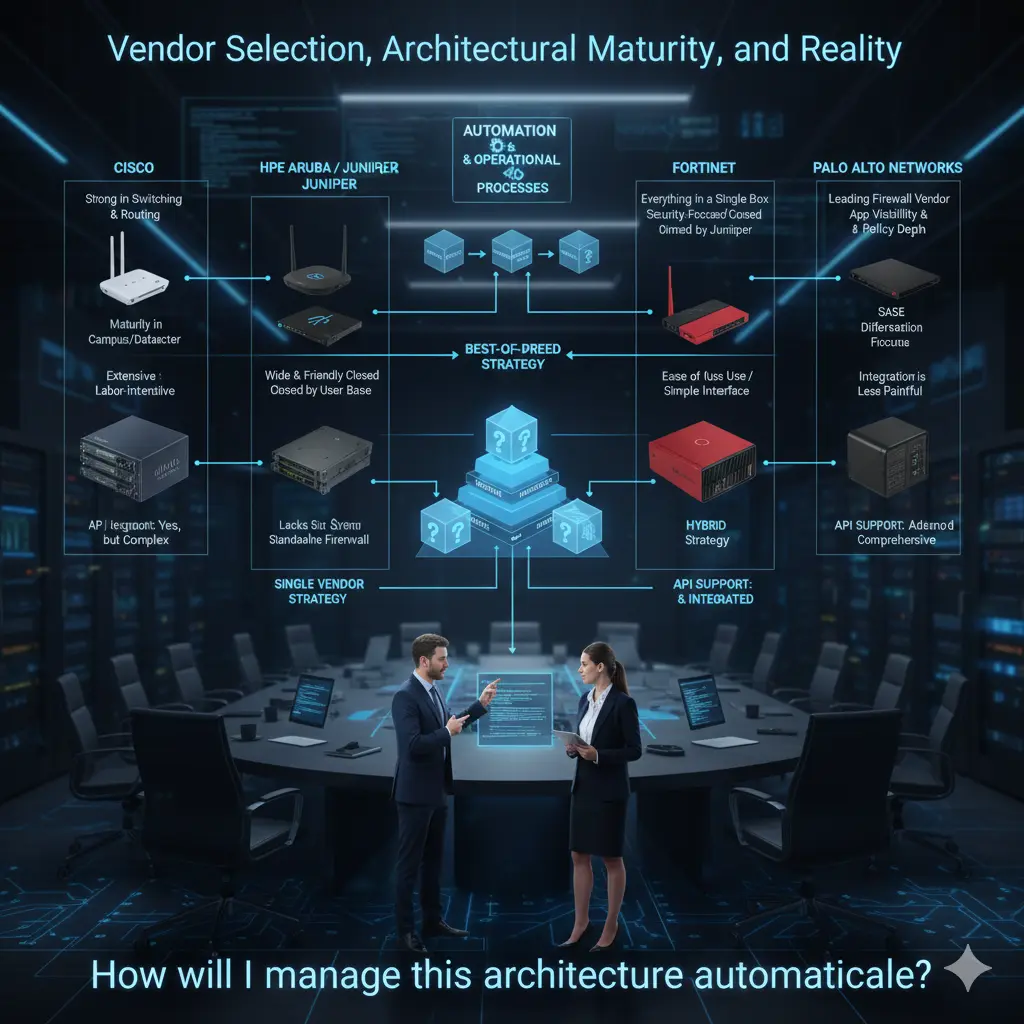
In practice, organizations use all combinations: single-vendor, dual-vendor, or best-of-breed. These decisions are as organizational as they are technical.
My personal view: where teams are mature enough, specialized vendors per layer tend to produce stronger technical results. Where simplicity and a single support channel matter more, a single-vendor approach is completely valid.
One final point: API support is no longer a bonus — it is a selection criterion. The question “How will I automate this architecture?” should come before choosing the switch, firewall, or AP. In my view, good core network design starts exactly here.
The Server Room and Cabling: What Nobody Talks About But Everyone Pays For
In network projects, the “shiny” topics dominate: which switch, which firewall, which wireless solution. But a significant portion of field problems starts at a much more basic level: server room design and cabling infrastructure.
No matter how good the products or how correct the architecture — if the server room and cabling are weak, that network will eventually produce problems. These problems appear as “network failures,” but the root cause is almost never the network itself.
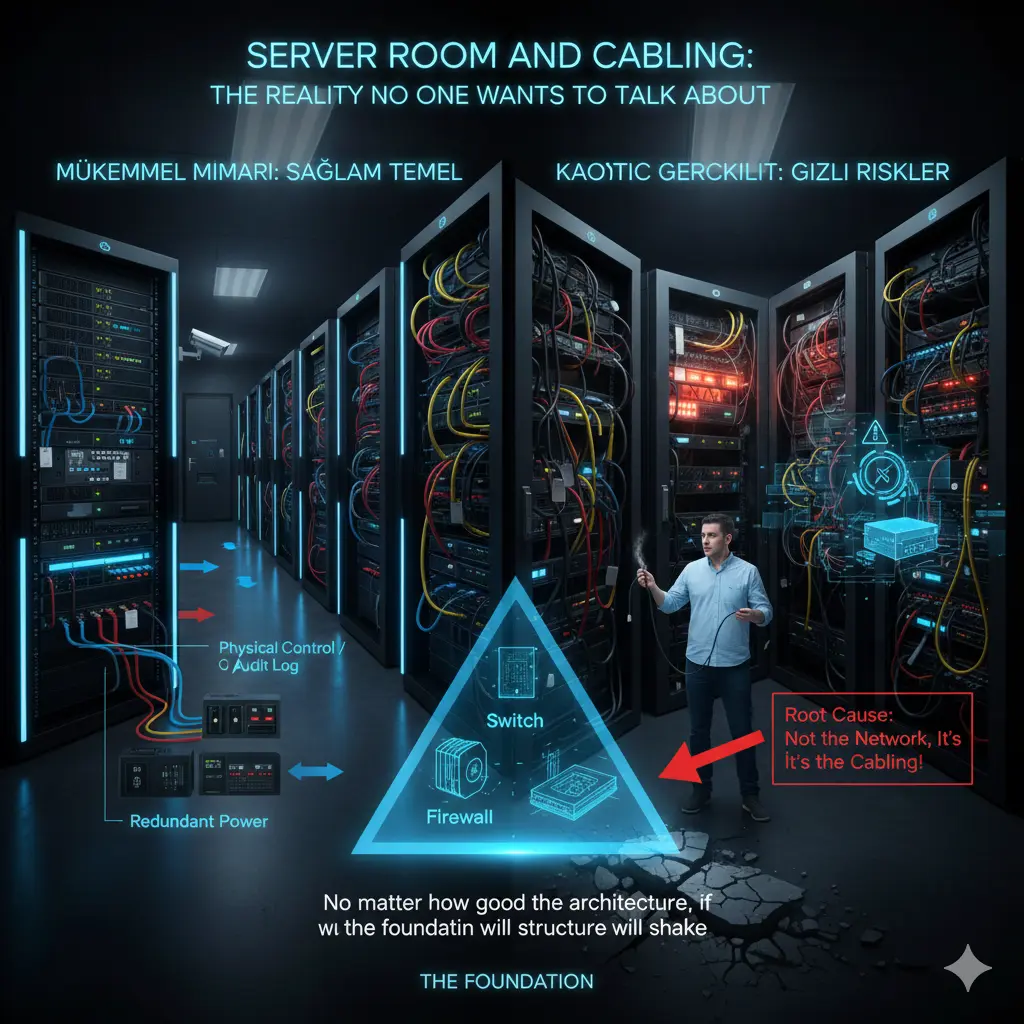
Server rooms are still treated as equipment closets in most organizations. Racks grow, cables pile up, temporary solutions become permanent. Eventually, an area is created that nobody wants to touch — but everyone depends on. The real risk starts there.
Heat, power, airflow, accessibility, and order must be considered together. Redundant power supplies are purchased without checking whether they actually connect to separate power lines. UPS capacity is never calculated. These seem like small details — until a crisis makes the entire architecture meaningless.
Cabling is the longest-lasting component of the network. Switches, firewalls, and APs change — cables stay. Planning cabling for today’s needs is a guaranteed mistake. A 1G design hits its limit quickly when 2.5G/5G APs arrive.
Physical access security to the server room is equally overlooked. Without clear controls on who enters, when, and how changes are logged, even the best logical security policies lose their meaning.
In my view, the server room and cabling are not the “lower layer” of architecture — they are the foundation. A well-functioning network is invisible precisely because the foundation is solid. Nobody notices. And in my view, that is the greatest praise any infrastructure design can receive.
Note
This article was originally published on Substack in a shorter, narrative form. This version expands on the architectural foundation of the series.
👉 Read the article on Substack: Click Here
Related Articles
Architecture & Strategy
- 📐 IT Infrastructure Is Not a Collection of Products — The foundational article of this series
- 🏗️ Switch, Firewall, AP — Why Choosing the Right Products Is Not Enough — Architecture-first core network design
- 🛡️ The Zero Trust Mindset: Engineering Security as an Architecture, Not a Product — Security as architecture
Technical Engineering
- 📊 The Monitoring Mindset: Not Just Seeing, But Understanding and Acting Proactively — Operational visibility
- 🛠️ The Backdoor of the Network: Next-Gen Console Server Architecture — Out-of-band access
- 🛡️ Network Packet Broker (NPB) Masterclass — Traffic visibility and security strategy