Imagine a medical practice. Eight years of patient records, invoices, reports. All on a small NAS device in the office. One morning the device doesn’t start. Hard drive failure. You call a data recovery company — “we’ll try, €800–2000, no guarantee.”
This scenario happens every day. And preventing it costs just a few euros a month.

The Misconception: “I Have a NAS, So I Have a Backup”
A NAS (Network Attached Storage) is an excellent device — central storage, accessible from every computer on the network. But most NAS devices in small businesses run with a single hard drive. No RAID.
What is RAID? RAID writes data to multiple drives simultaneously. In its simplest form, RAID 1 writes the same data to two drives at once. If one fails, the other takes over. No data loss.
With a NAS running a single drive without RAID, the moment that drive fails, everything is gone. No warning, no recovery.
“But my NAS has RAID” — good, but not enough. RAID protects against drive failure. It does not protect against fire, water damage, theft, ransomware, or accidental deletion. An external backup is essential.
The Solution: AWS S3 Cloud Backup
AWS S3 (Simple Storage Service) is Amazon’s cloud storage service. It sounds like something for large corporations — but small businesses can use it for just a few euros a month.
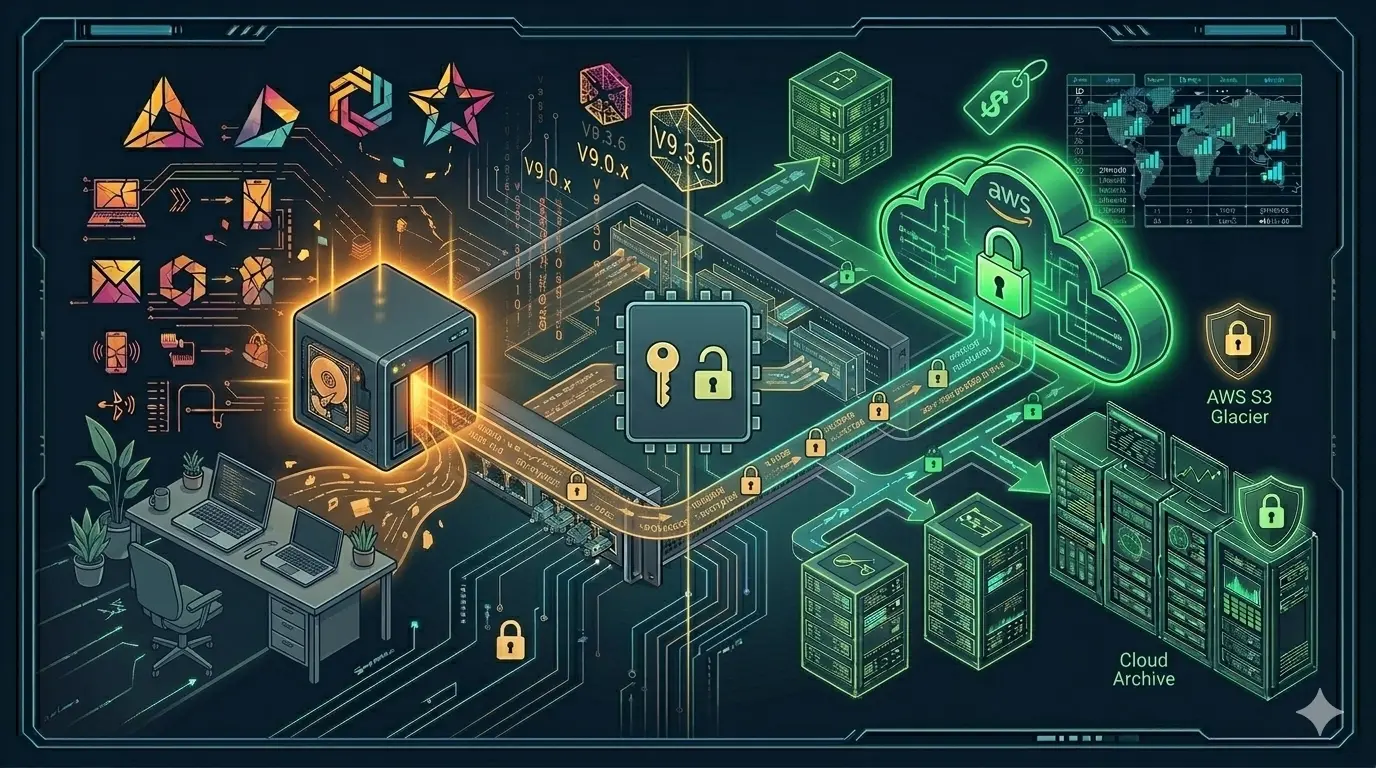
How it works:
NAS device (Synology/QNAP)
        ↓ (automatic, nightly)
Hyper Backup software
        ↓ (encrypted)
AWS S3 — Frankfurt (eu-central-1)
        ↓
Your data: secure, encrypted, redundant
Synology NAS devices have a built-in “Hyper Backup” application. You configure it once, and every night it automatically sends changed files to S3. Your backup runs while you sleep.
AWS S3 Storage Tiers — Which One Is Right for You?
| Tier | Best for | Access | Cost |
|---|---|---|---|
| S3 Standard | Frequently accessed data | Instant | ~€23/TB/month |
| S3 Infrequent Access | A few times per month | Instant | ~€12/TB/month |
| S3 Glacier Instant | Rarely accessed archives | Milliseconds | ~€4/TB/month |
| S3 Glacier Deep Archive | Long-term archiving | 12 hours | ~€1/TB/month |
Recommendation for SMBs: Active business data: S3 Infrequent Access — affordable, instant access when needed. Older records and archive files: S3 Glacier Instant — very low cost, still instantly retrievable.
A typical scenario for a medical practice: active patient data in S3 IA (€5–8/month), older archive years in Glacier (€1–2/month). Total monthly cost: €6–10.
GDPR and Legal Aspects
If you process patient, client, or customer data, you are subject to GDPR. Two things are critical for cloud backups:
1. Frankfurt region (eu-central-1) is mandatory — your data must remain within EU borders.
2. Encryption is mandatory — Hyper Backup encrypts your data before sending it to S3. The encryption key stays with you — not even AWS can view the contents.
3. The account is in your name — I open a separate AWS account for each customer in your name. The data and the account belong entirely to you.
For medical practices and law firms I also prepare a Data Processing Agreement (DPA) — required under GDPR.
How Does the Setup Work?
- AWS account opened in your name
- S3 bucket created with correct tier and lifecycle policies
- Hyper Backup installed on your NAS
- First full backup created
- From the next day, only changed files are sent
- Monthly status report by email
What you need to do after setup: Nothing. Everything runs automatically.
What If I Don’t Have a NAS?
S3 backup is also possible without a NAS. We install a small backup agent on your PCs (Duplicati — free), and selected folders are automatically sent to S3.
Conclusion
A NAS with a single drive can fail at any time without warning. Even a RAID NAS does not protect against ransomware or physical damage. With AWS S3, your data is encrypted, redundant, and safe for just a few euros a month.
The account is yours, the data is yours, the encryption key is yours.
📱 WhatsApp: wa.me/4916098665971
Related Articles
Protection & Security
- 🔋 What Happens When the Power Goes Out? UPS Protection for Your Office — Protecting NAS and network devices from power failure
- 🔒 SSL Certificate — Why “Not Secure” Costs You Customers — Website security for SMBs
- 📶 Wi-Fi Problems? Permanent Mesh Solution Without Cables — Professional Wi-Fi for offices and villas
Architecture & Infrastructure
- 📐 IT Infrastructure Is Not a Collection of Products — System thinking for resilient infrastructure
- 📊 Monitoring Done Right — Detecting IT problems before they escalate