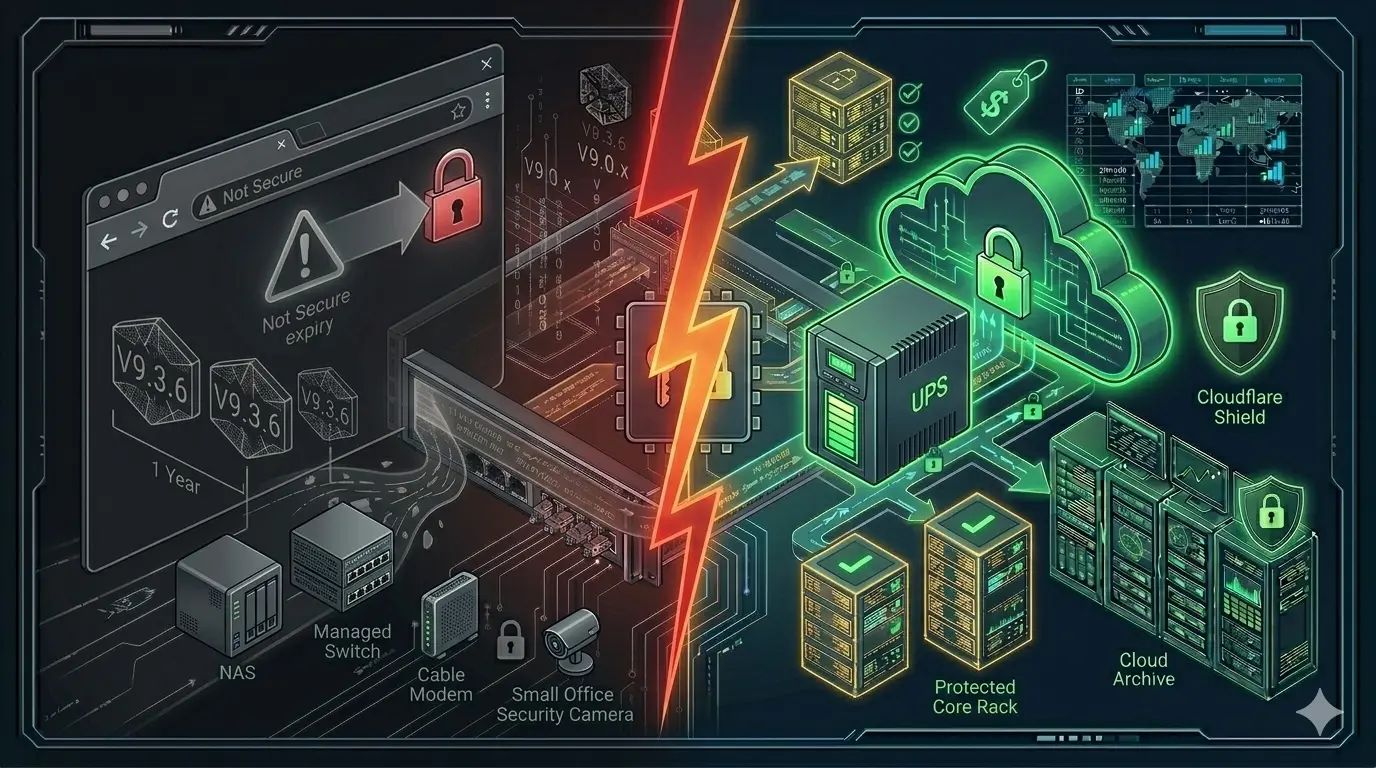
“UPS? Yes, we have one — it’s sitting next to the computer.”
I hear this constantly. And every time I want to ask: What about your NAS? Your switch? Your modem? Your payment terminal?
Most businesses see a UPS purely as protection against the computer shutting down unexpectedly. But during a power outage, dozens of devices in your office are at risk — and the computer is the least critical of them.

For complete data protection, pair your UPS with cloud backup: Your NAS Without RAID Is a Ticking Time Bomb
What Really Happens When the Power Goes Out?
Imagine a medical practice or a small office. When the power suddenly cuts out, all of the following go down simultaneously:
- NAS device — a write operation is interrupted mid-process; the drive can be damaged
- Network switch — all network connections drop
- Modem/router — no internet
- IP phone system — phone lines interrupted
- Payment terminal — ongoing transaction aborted
- Security cameras — recording stops
- PCs — unsaved work lost
Everything goes down at once. When power returns, all devices try to boot simultaneously — this sudden load can cause further problems with weak electrical installations.
The Biggest Risk: Your NAS
Of all these devices, the NAS suffers most from a sudden power outage. A NAS is constantly writing data. If power cuts during a copy operation or scheduled backup, the write is interrupted mid-process. This can lead to filesystem corruption.
Synology and QNAP NAS devices can work directly with a UPS. Connected via USB cable, the NAS detects the moment of power loss and initiates a safe shutdown sequence:
Power cuts out
      ↓
UPS switches to battery immediately
      ↓
NAS receives signal from the UPS
      ↓
Open files are saved
      ↓
Safe shutdown in 2 minutes
      ↓
No data loss, no filesystem corruption
      ↓
Automatic restart when power returns
Without this integration, a UPS only buys you a few extra minutes — the NAS can still shut down abruptly.
UPS Types — Which One Is Right for You?
Standby (Offline) UPS The most affordable option. Sufficient for home use and simple PCs. Limited protection against voltage fluctuations.
Line-Interactive UPS The ideal choice for SMBs. Continuously regulates voltage fluctuations and switches to battery instantly on failure. Recommended type for NAS devices, switches, and critical office equipment.
Online Double Conversion UPS Highest protection class. For critical servers, medical devices, and systems that cannot tolerate any interruption.
PoE Switch: Your Cameras Are Protected Too
If you use a PoE switch (Power over Ethernet), your cameras draw power through the switch. If the switch is on the UPS, the cameras are protected too:
UPS
  ↓
PoE Switch
  ├── Camera 1 (power via switch)
  ├── Camera 2 (power via switch)
  └── NAS (connected via switch)
When power cuts, the UPS kicks in, the switch keeps running, cameras keep recording — while the NAS completes its safe shutdown.
How Many Minutes Are Enough?
For a typical office setup, 10–15 minutes is sufficient. In that time the NAS completes its safe shutdown, open documents are saved, and servers are properly shut down.
For most SMBs, 650VA–1500VA is the right range.
A Note on UPS Maintenance
UPS batteries typically need replacing every 3–5 years. With brands like APC and Eaton, the battery is modular — unscrew, swap, done. Five minutes.
I run an annual UPS check for my customers: battery capacity tested, software updates verified, NAS integration confirmed working.
Where to Start: Prioritization
- NAS + switch — most critical, start here
- Server, if present
- Modem/router — for internet continuity
- PCs — least critical
Conclusion
The right UPS, properly configured and annually maintained, brings the risk of data loss from a power outage to nearly zero. Message me on WhatsApp for a free assessment.
📱 WhatsApp: wa.me/4916098665971
Related Articles
Protection & Security
- 💾 Your NAS Without RAID Is a Ticking Time Bomb — Data backup with AWS S3
- 🔒 SSL Certificate — Why “Not Secure” Costs You Customers — Website security for SMBs
- 📶 Wi-Fi Problems? Permanent Mesh Solution Without Cables — Professional Wi-Fi for offices and villas
Architecture & Infrastructure
- 🛠️ The Backdoor of the Network: Next-Gen Console Server — Out-of-band access when everything goes down
- 📐 IT Infrastructure Is Not a Collection of Products — System thinking for resilient IT